
Six pieces.
One working show.
From the moment a client emails you to the second you take a bow, every detail of your gig lives somewhere in GigDeck. Here's a tour of where everything lives — and how the pieces fit together.
Your collection, at hand.
Every prop you own — from a $1 bill to a complex stage illusion — lives here. Choose from the GigDeck library of pre-defined props, or add your own custom items down to the smallest detail.
Need to remember whether that Sharpie is thin, regular, or jumbo? Whether your Booktest is the soft-cover or the hardback? GigDeck remembers, so you don't have to.

Every routine, fully captured.
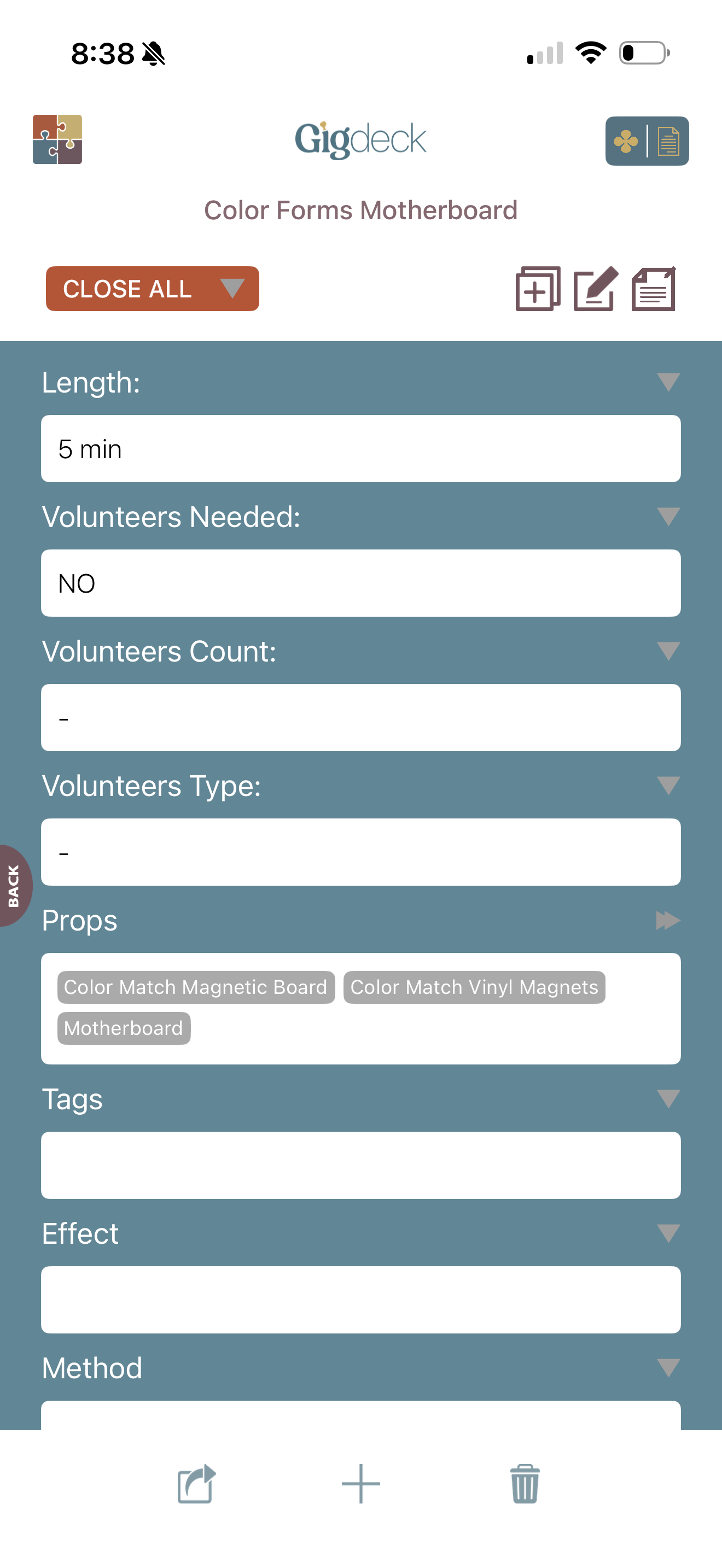
A routine isn't just a name. It's a length, a method, a premise, a script, and a list of props you need on the table. GigDeck holds it all in one record so when you pull up "Ambitious Card," you see exactly what's involved.
Note your pocket management. Link the source material. Drop in the video instruction URL with its password. The routine you brilliantly worked out three years ago is still here, ready to go.
Build a show, down to the minute.
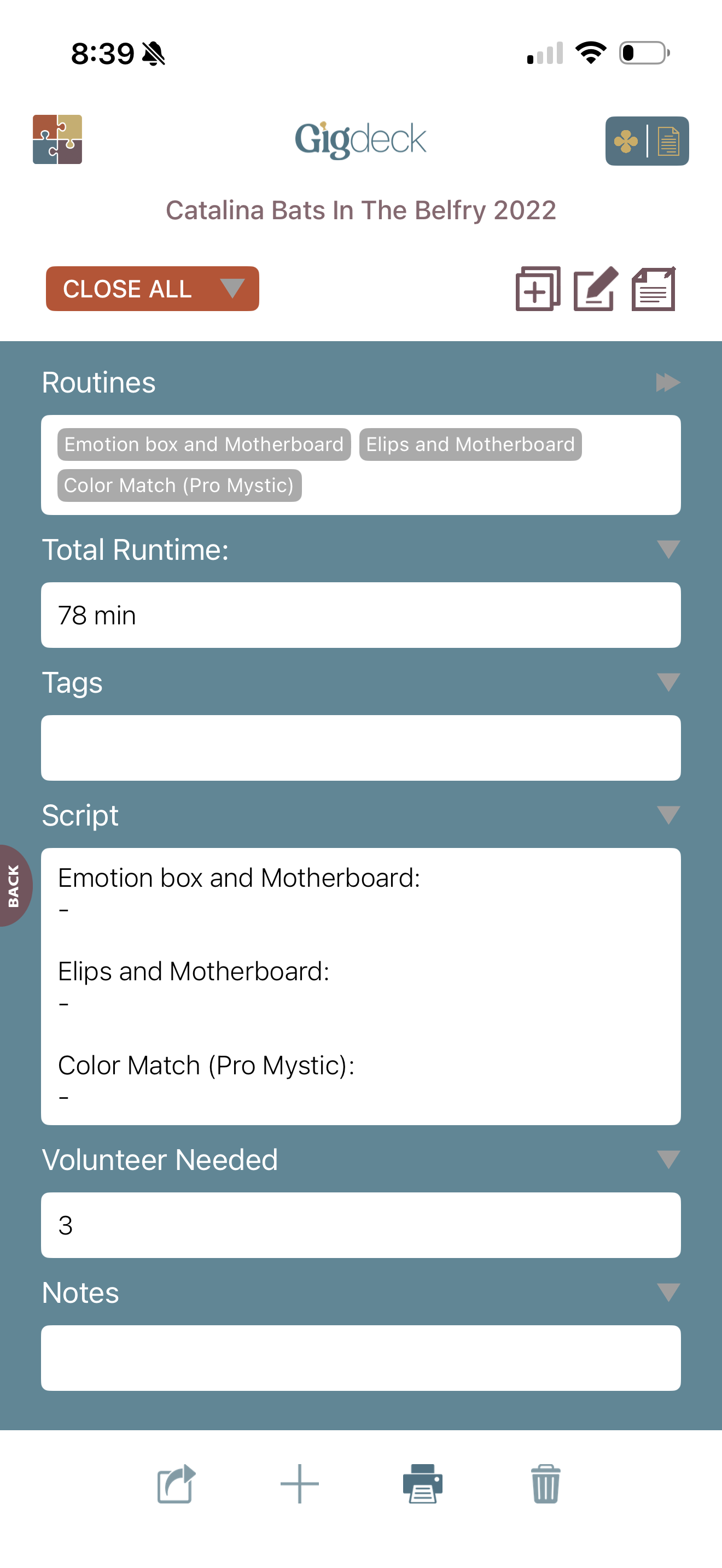
A client asks for forty-five minutes. You open a new set list, pull in your routines, and GigDeck totals the time as you go. You can see at a glance whether you're at thirty-eight or fifty-two, and adjust before you hit the road.
Every set list pulls in the script for every routine in order, so you can print the whole show or feed it to your teleprompter. Pack the props for that set with one tap.
Every client, remembered.
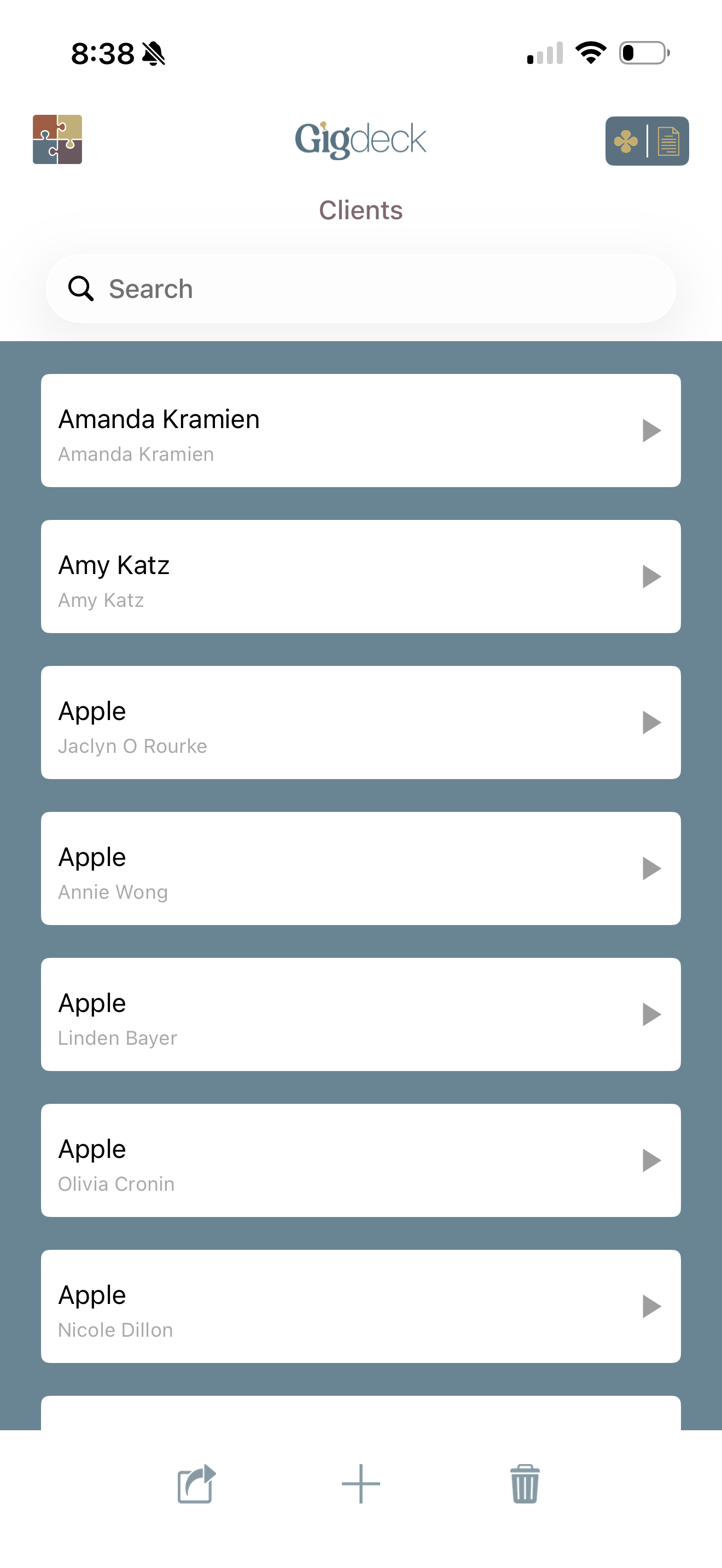
Pull a name from your phone contacts or type it fresh. Either way, GigDeck threads every booking that client ever made — the dates, the venues, the set lists you performed. Walk into your second show for the same client knowing exactly what you did the first time.
Add the notes that make you look brilliant: the spouse's name, the kid's birthday, the inside joke from last year. You're not just a performer; you're the magician who remembers.
Bookings that don't slip.
A booking ties everything together — the client, the venue, the set list, the date and time, the fee. Mark it confirmed or on hold. GigDeck nudges you to follow up on the holds before they go cold, and warns you if you're about to perform the same set list for a client who's already seen it.
Notes for the booking? They're right there too — the load-in time, the AV setup, the last-minute requests. Everything you need before you walk through the door.
The season, at a glance.
Every booking lives on the calendar in the color of its status. Green for confirmed. Yellow for held. Tap any date to jump straight to the booking. Scroll three months out and see whether December is loaded or wide open.
When a hold has been sitting too long, the calendar reminds you. When a confirmed gig is creeping up, you'll see it. No more bookings slipping through.

Now you've seen all six pieces.
Put them together on your own gigs. Try GigDeck free.